
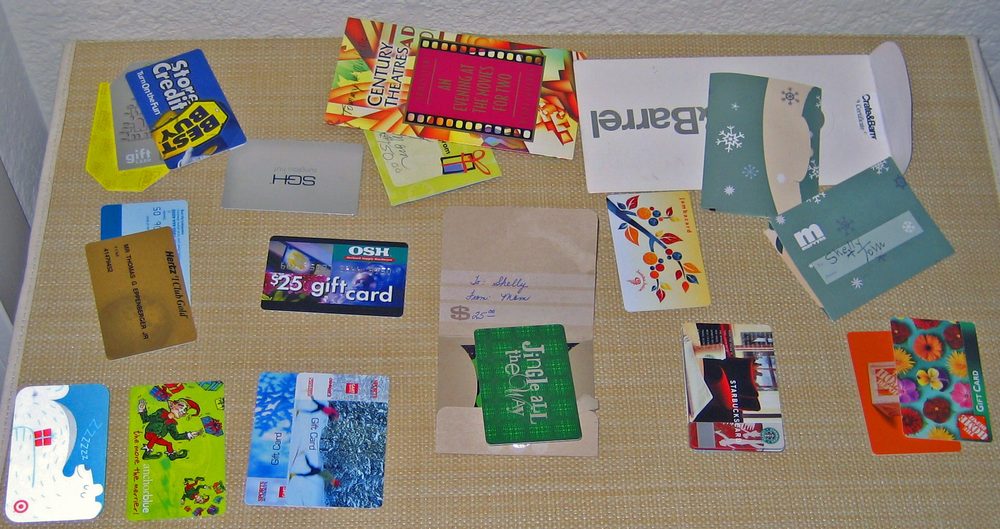
Photo: Tom Eppenberger Jr., edited by Daniel Case / Wikimedia Commons (CC BY 2.0)
A Steam Wallet gift card is a prepaid code, sold in fixed amounts from around $5 up to $100, that adds credit to someone's Steam account rather than gifting one specific game. It's the route to take when you want to give a PC gamer or language learner some Steam money without owning a Steam account yourself and without needing to know their account details in advance. The recipient redeems it and picks whatever they want, whether that's a specific title like Noun Town or something else entirely.
Short answer: buy a Steam Wallet gift card, physical or digital, from Steam's own site or a major retailer, and hand over the code. You don't need a Steam account to make that purchase. The recipient redeems the code into their own Steam Wallet, creating a free account first if they don't already have one, and then spends the balance on any game they choose.
Steam is Valve's digital storefront for PC and Mac games, and every Steam account has a "wallet" attached to it, a running balance that can be spent on anything in the store. A Steam Wallet gift card is simply a way to add money to that wallet using a code instead of a bank card, the same basic idea as a prepaid card for a coffee shop or a supermarket, just applied to a digital games store.
These cards come in two forms. A physical card bought off a shelf has a scratch-off panel hiding a redemption code. A digital version works the same way but arrives as an email or an on-screen code immediately after purchase, with nothing to post or hand over in person.
Either version does exactly the same thing once redeemed: it tops up the wallet balance on whichever Steam account the code is entered into. From that point on, the money behaves like any other store credit. It sits in the account until the recipient decides what to spend it on.
Steam also lets you gift one specific game straight to another person's library, and it's worth knowing why that's a different process from a gift card, because the two solve different problems.
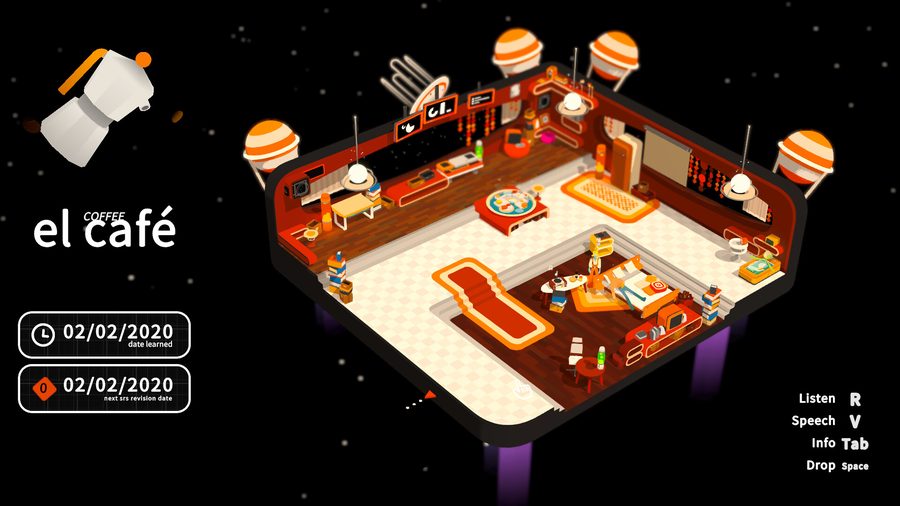
Screenshot from the Noun Town Steam store page
There are two practical routes, and which one suits you depends mostly on timing and whether you want something physical to hand over.
Both routes produce the same kind of code underneath, so the choice really comes down to whether a physical object matters to the gift itself.
Once the recipient has the code, redeeming it is a short process on their end:
Worth knowing: Steam Wallet funds are tied to the currency of the account redeeming them. A code bought in one country's currency doesn't always transfer cleanly to an account set up in a different region, so if you're buying for someone overseas, it's safest to buy through Steam's own regional gift card page for their country rather than a generic retail card bought locally.
A gift card works especially well when you know roughly what someone's into but not the exact title. For a language learner, that's a common situation: you might know a friend wants to practise Spanish or Japanese without knowing which specific app or game actually fits how they like to study.
Our own language learning game, Noun Town, is a $19.99 one-time purchase covering 12 languages, with no subscription and nothing locked behind a further paywall once it's bought. That fits comfortably inside even the smallest common gift card denomination, and because it's a single purchase rather than an ongoing subscription, there's no risk of the gift quietly turning into a recurring charge on someone else's account later.
If you'd rather be certain the money goes toward something specific, a gift card obviously can't guarantee that the way directly gifting a title would. But for a lot of people, especially if you're not completely sure what they already own or what they'd prefer, handing over the choice is the more welcome gift anyway.
The U.S. Federal Trade Commission publishes general consumer guidance on buying and using gift cards that's worth a skim before buying any prepaid card, digital or physical, since the same basic scam patterns, like being asked to read a code out over the phone, apply to Steam cards too. Wikipedia's entries on gift cards and on Steam as a digital storefront both go into more detail on how these systems work if you want the fuller background.
Not sure what to spend the balance on? Try the free demo first.
Try Noun Town on SteamA Steam Wallet gift card is a prepaid code that adds a set amount of money, usually between $5 and $100, to someone's Steam account balance. The recipient can then spend that balance on any game, including Noun Town, rather than receiving one specific title picked by the giver.
No. A Steam Wallet gift card, whether bought in-store or as a digital code, can be purchased without logging into or even owning a Steam account yourself. That's the main difference from gifting a specific game directly, which requires you to own that game on your own account.
Yes, but creating one is free and takes a couple of minutes. If the person you're buying for doesn't already have a Steam account, they can set one up during the redemption process itself.
Common denominations are $5, $10, $20, $25, $50 and $100, though exact options vary slightly by retailer and region.
Digitally, directly from Steam's own digital gift card page, or at most major retailers that sell gift cards in person, including supermarkets, pharmacies, electronics stores and big-box retailers, usually near the other prepaid gift cards at the till.
This is where it gets tricky. Steam Wallet funds are tied to the currency of the account redeeming them, and a code bought in one region's currency may not redeem cleanly on an account set up in another region. It's worth buying through Steam's own regional gift card page if the recipient lives in a different country.
The underlying wallet funds don't expire once added to an account. Some physical retail cards do carry an expiry date for redeeming the code itself, so it's worth redeeming a physical card reasonably soon after buying it rather than leaving it in a drawer for years.
Generally no, wallet funds added through a gift card aren't refundable the way a game purchase can be. The money stays in the account to be spent on anything in the Steam store, so it isn't lost, but it can't be converted back to cash.
Gifting a specific game requires you to own a Steam account, buy that exact game, and usually have the recipient on your Steam friends list for a short waiting period first. A gift card skips all of that: you buy a dollar amount with no account of your own required, and the recipient chooses what to spend it on.
It can be, especially if you aren't sure which specific game or course they'd want. A $19.99 title like Noun Town fits comfortably inside even the smallest common denomination, and letting the recipient choose keeps the gift useful even if their interests shift between buying it and using it.