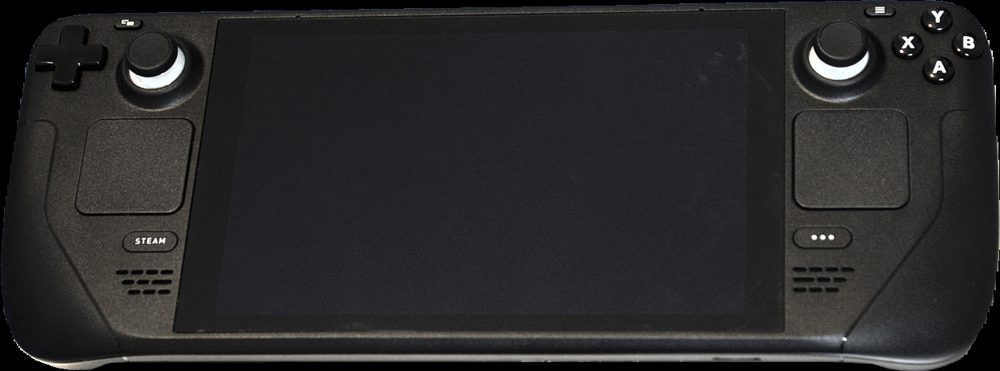
Photo: Liam Dawe / GamingOnLinux, via Wikimedia Commons (CC BY-SA 4.0)
Gifting a game on Steam takes about a minute once you know where the option is hiding, but it isn't in an obvious spot the first time you go looking for it. It lives inside the cart rather than on the store page itself, which trips a lot of people up. Here's the full process, plus what to do when something about it doesn't go to plan.
Short answer: add the game to your cart, open the cart, switch the purchase option from "Purchase for myself" to "This is a gift," pick a recipient from your Steam friends list, then check out as normal. The recipient must already be on your friends list, and the whole process takes under a minute.
The process is the same whether you're using the Steam client on desktop or the store in a browser. Here's exactly what to do.
Once you've checked out, the recipient gets a gift notification, either in the Steam client or by email depending on their settings, and it sits in their inventory until they choose to accept it into their library. Nothing gets added to their account automatically without them confirming it.
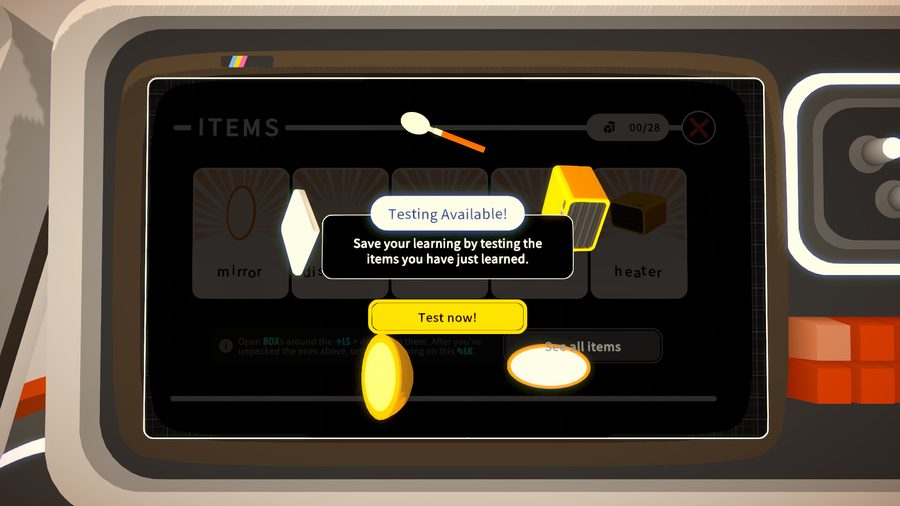
Screenshot from the Noun Town Steam store page. A gifted copy of a game like this shows up in the recipient's inventory ready to accept.
If a game is discounted when you buy it, that discount carries straight through to a gift. There's no separate gifting price, you simply go through the exact same cart process described above while the sale is live, and the recipient gets the full game at whatever price you paid. This makes major sales, the Steam Summer Sale and Winter Sale especially, a genuinely good time to stock up on gifts for people on your list rather than waiting for a birthday that might land at full price.
One thing worth knowing: once a sale ends, an already-purchased gift doesn't lose its discounted price just because the sale is over by the time the recipient accepts it. The price is locked in at the moment you buy it, not the moment they open it.
Steam won't let you hand over your own existing copy of a game, since that would delete it from your own library, which obviously isn't what anyone wants. To gift a title you already own to someone else, you buy a second copy through the same gifting flow above. It's a separate purchase, not a transfer, so budget for it as a full new purchase rather than expecting a free pass because you already own it yourself.
Gifting across countries used to be a genuine headache on Steam, with regional pricing sometimes creating mismatches between what you paid and what the recipient's region expected. Since 22 July 2026, Steam automatically detects the recipient's country and prices the gift according to their region rather than yours, which has removed a lot of that friction. It's still worth double-checking the final price shown at checkout before confirming, since regional pricing can shift the number from what you might have expected based on your own storefront.
If you're looking to introduce someone in another country to a language learning game like Noun Town without committing to a full purchase first, pointing them at the free demo is often the simpler first step, since a demo doesn't need gifting at all, anyone can add it to their own library for free.
A handful of things commonly trip people up:
If none of that explains what's going wrong, Steam Support has a dedicated gifting help section and is usually quick to sort out edge cases like a gift accidentally sent to the wrong account.
A gift card feels a little impersonal, whereas gifting a specific title someone's mentioned wanting, or one you think they'd genuinely enjoy, tends to land better. Educational and skill-building games make particularly good gifts for this reason, since the recipient walks away with more than just entertainment. A one-time purchase title without a subscription attached, our own language learning game included, is also a cleaner gift than something that quietly starts charging the recipient every month after you've moved on to the next gift idea.
Thinking of gifting a language learning game? Try the free demo first.
Try Noun Town on SteamAdd the game to your cart, open the cart, change the purchase option from "Purchase for myself" to "This is a gift", choose a recipient from your friends list, optionally add a message, then complete checkout as normal. The recipient gets a gift notification they can accept to add the game to their own library.
Yes, gifting to a specific account requires that account to be on your Steam friends list first. If you're not friends yet, send a friend request and wait for it to be accepted before starting the gift purchase.
Only by buying a second copy. Steam does not let you give away your own existing copy of a game, since that would remove it from your library. To gift a title you already own, add it to your cart again and go through the same gifting checkout process, which purchases a separate copy for the recipient.
Yes. Games bought during a sale can be gifted at the discounted sale price, and the gifting process works exactly the same way as a full-price purchase. This is a good way to pick up gifts cheaply during major sales like the Steam Summer Sale or Winter Sale.
Steam usually blocks you from selecting a friend who already owns the game you're trying to gift, since they don't need a second copy. If a game does happen to be gifted to someone who owns it already, Steam Support can typically help convert it to a gift card or redirect it.
Steam lets you schedule a gift for immediate delivery or set it to arrive on a future date, useful for timing a gift around a birthday or holiday without having to remember to send it on the exact day.
Yes, and Steam has made this easier over time. Since mid-2026, Steam detects the recipient's country and prices the gift according to their region rather than yours, which removes a lot of the friction that used to come with cross-region gifting.
Free demos don't need gifting since anyone can add a free demo to their own library directly from the store page at no cost. Gifting only applies to paid purchases, so if you want to introduce someone to a game like Noun Town, pointing them to the free demo works just as well as a gift for that first step.
No, gifting works the same as any other Steam purchase. You can pay with a card, PayPal where supported, or an existing Steam Wallet balance. There's no separate gifting-only payment method required.
This usually means either the recipient isn't on your friends list yet, the item in your cart isn't eligible for gifting for some reason, or your account has a temporary purchase restriction. Confirming the friend request has been accepted and trying again from a fresh cart resolves most cases.
Further reading: Steam's own gifting support page covers current policy directly from Valve. The Steam (service) Wikipedia page has background on the platform itself. For general online gift-buying safety guidance, the Federal Trade Commission's consumer site is a solid independent resource.
← Back to blog